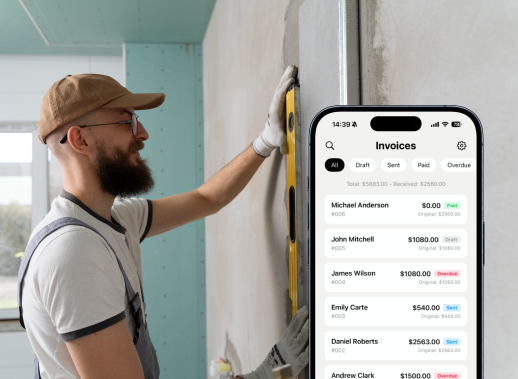
INVOICE MAKER

Create invoices. Get paid faster.

Create professional invoices on iPhone, accept Stripe payments, export a clean PDF, and send it to clients in minutes.

Download on the App Store See it in action
15,124 users joined last week
Stripe payments • 6 invoice templates • PDF export

Everything you need to invoice faster

Built for speed, clarity, and getting paid—without the admin headache.

Get paid with Stripe

Let clients pay by card directly from your invoice using Stripe. Payment status updates automatically, and you can also record offline payments with labels like Cash or Bank.

6 invoice templates

Choose from 6 clean invoice templates and send PDFs that match your brand. Customize the look while keeping your invoices consistent and professional.

PDF export

Export a polished PDF anytime and share it in seconds. Perfect for sending to clients, saving to Files, or forwarding to your accountant.

Client & item library

Save your clients and commonly used services/items once, then reuse them when creating a new invoice. Build repeat invoices faster with your own price book.

Send in minutes

Create an invoice in a few taps, preview it, export a PDF, and share it instantly. No spreadsheets, no extra tools—just a simple flow from draft to sent.

See it in action

A quick look at the core screens—create invoices, accept payments, and track income and expenses.

Stripe payments, no waiting

Enable Stripe on your invoices so clients can pay instantly by card. Once paid, the invoice updates to Paid automatically—no manual follow‑up needed.
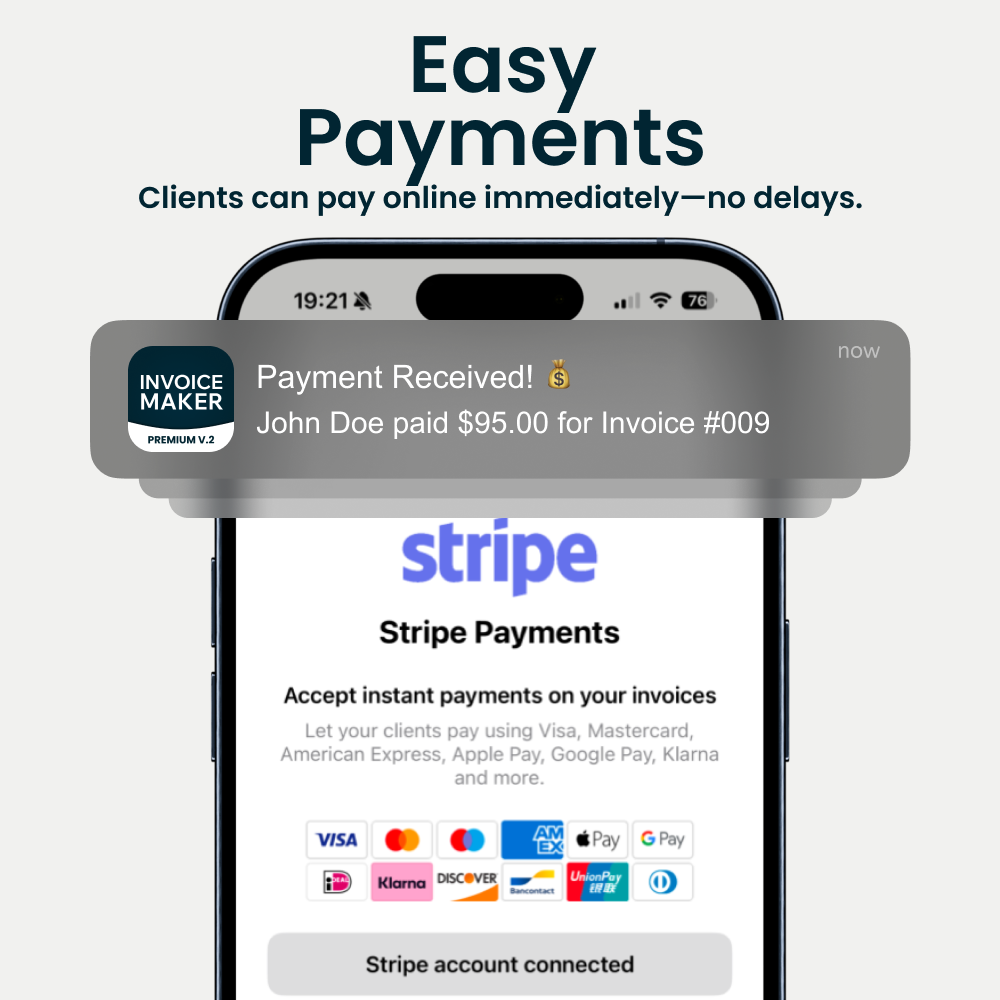
Stripe payments preview

6 templates to match your brand

Pick from 6 templates and customize the design so every invoice looks on‑brand. Preview before you send and keep a consistent style across all clients.
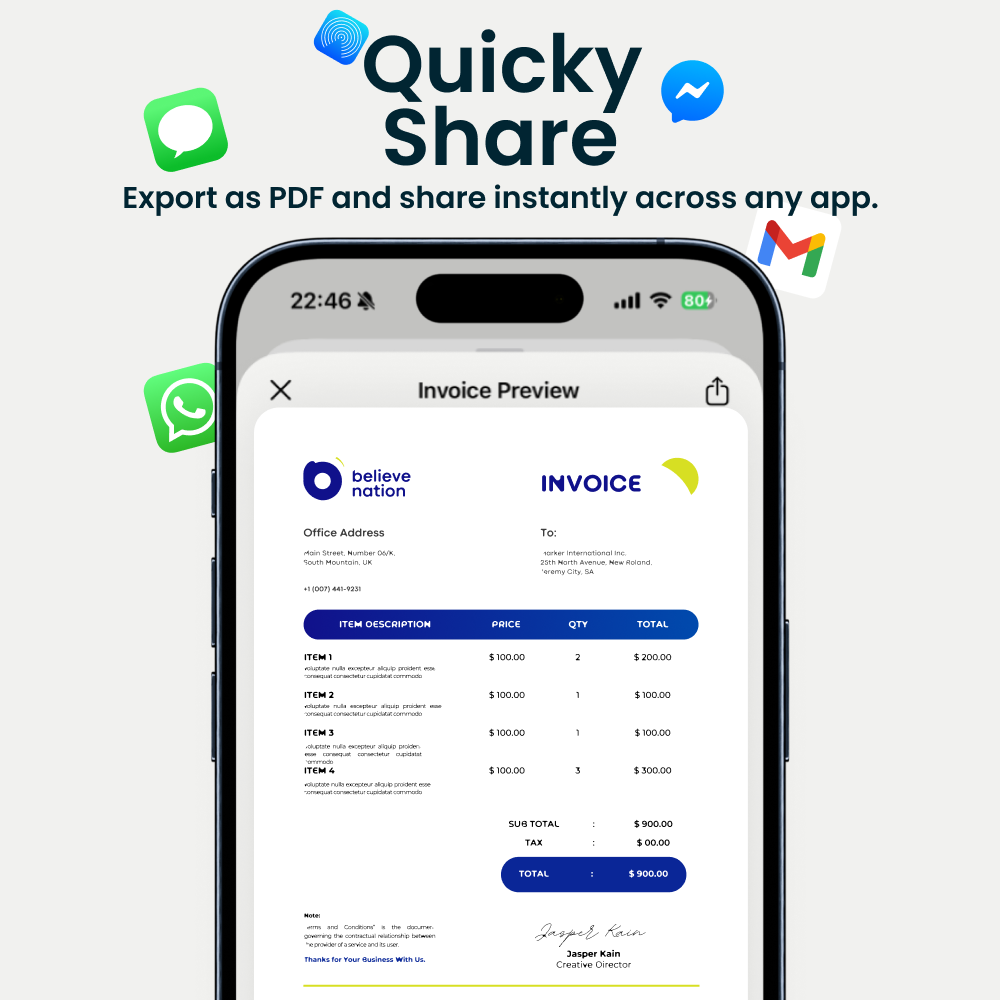
Invoice templates preview

Build invoices fast

Create an invoice fast with saved clients and items, set taxes/discounts if needed, then export a PDF or share it right away—without spreadsheets.
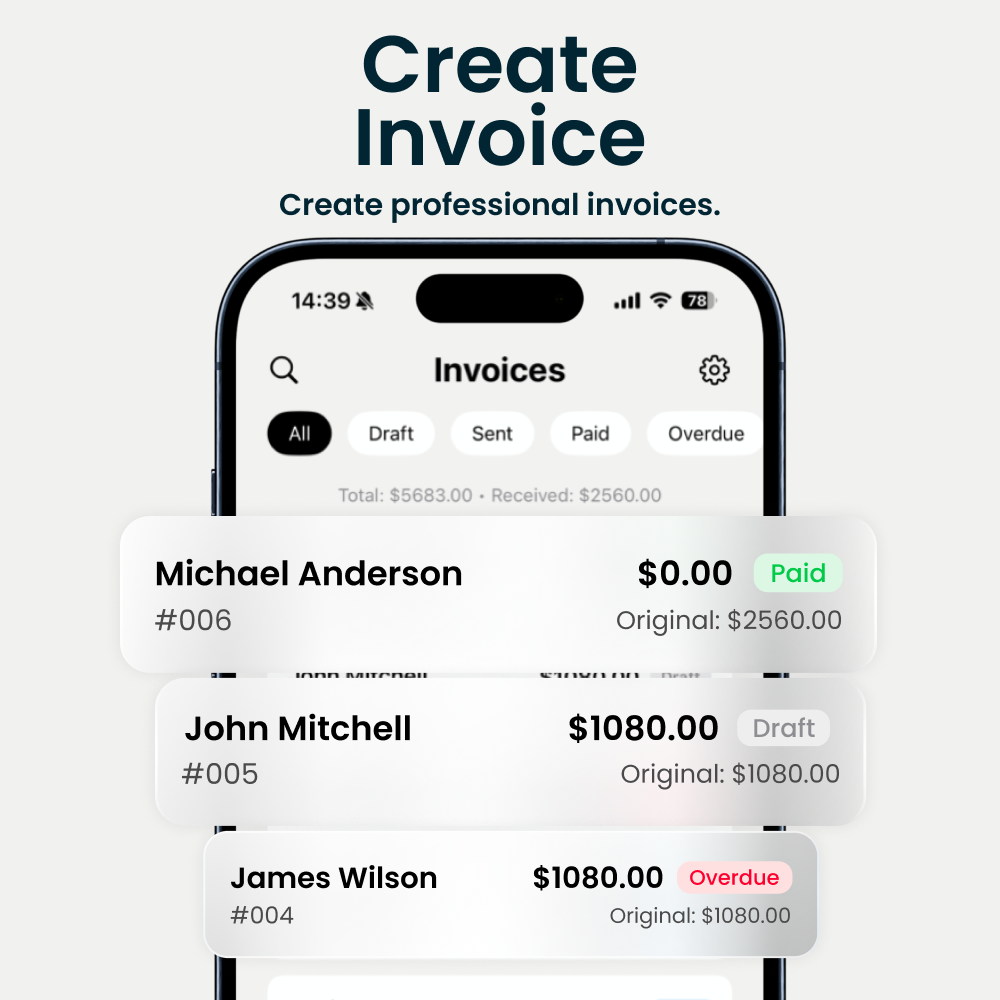
Invoice creation preview

Client & item library

Keep your clients and price book in one place. Reuse saved details and frequently billed items to create repeat invoices in seconds.
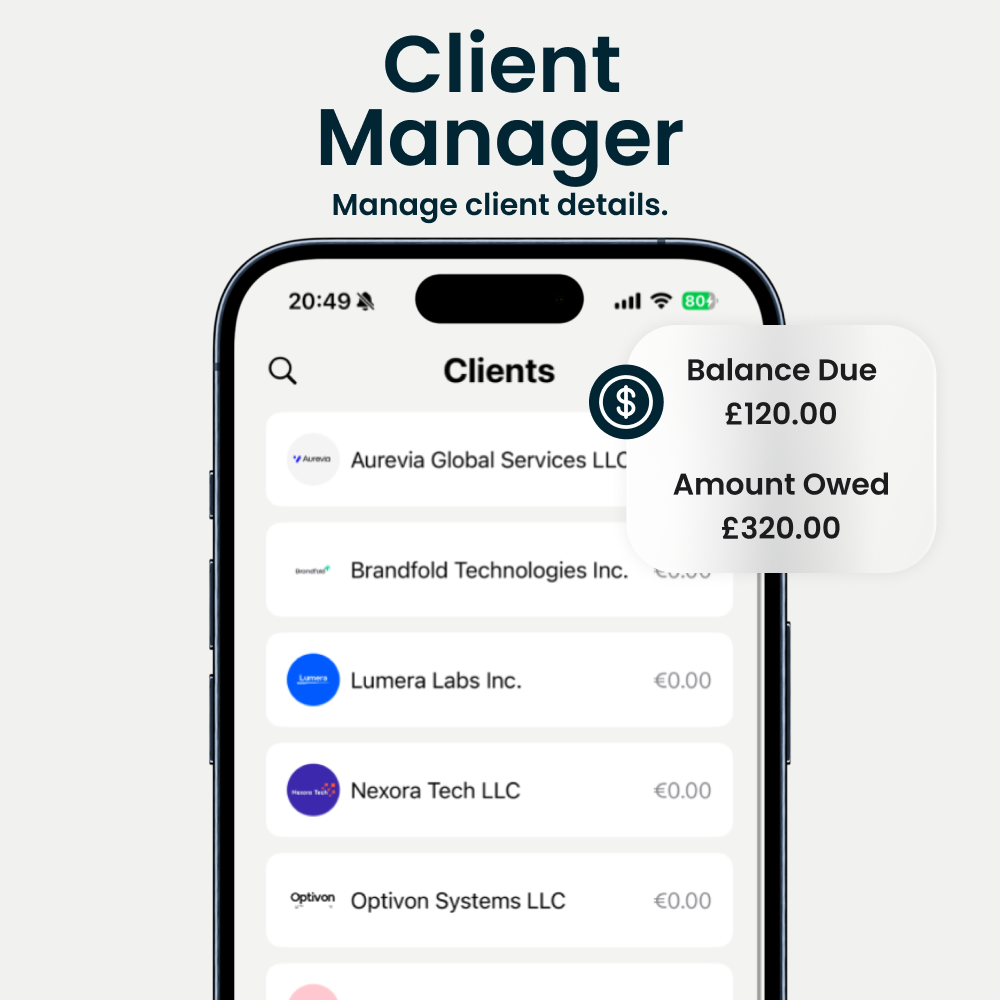
Client and item library preview

Income & Expenses

Track your monthly income from paid invoices and your expenses from receipts. See clear totals and export your yearly transactions for reporting or bookkeeping.
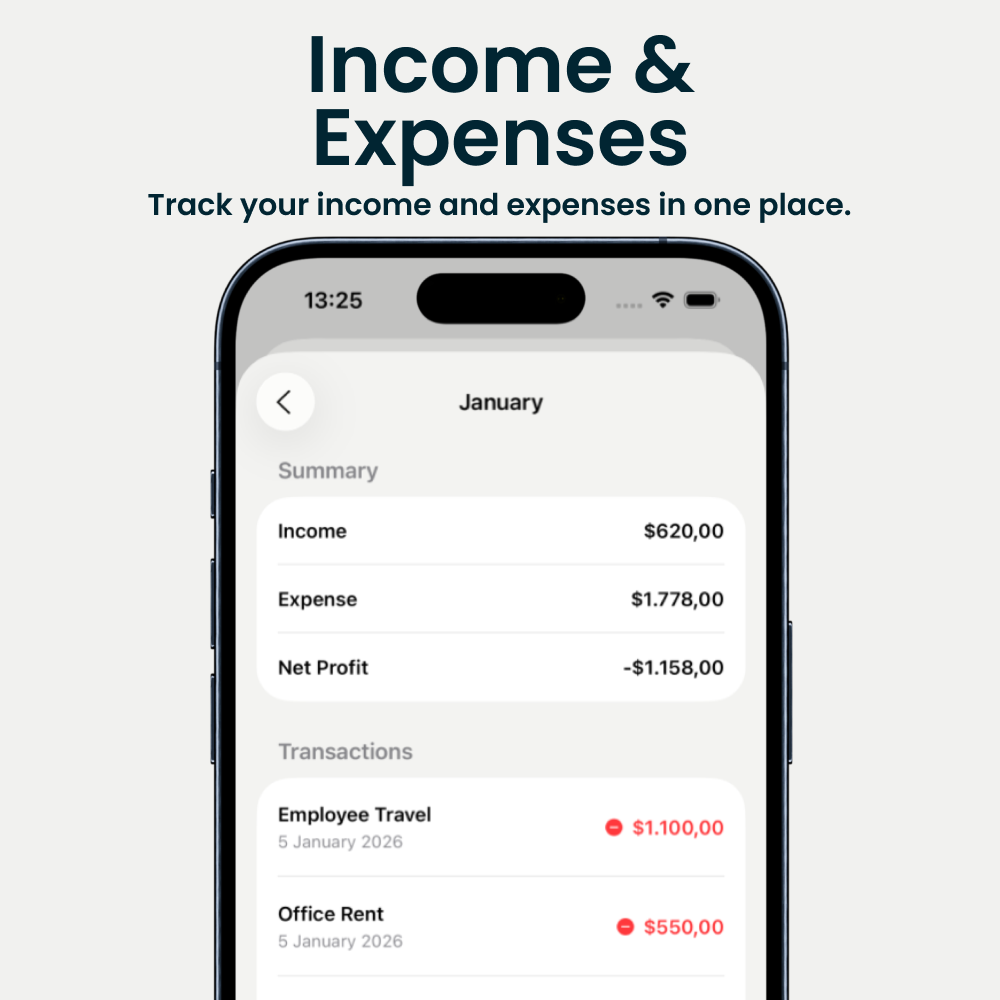
Income and expenses preview

Loved by business owners

Excellent 4.9 • 2,000+ Ratings

I create an invoice during a client call and send it before we hang up. It’s fast and looks professional.

Hawthorne Painting

The client + item library saves me so much time. I reuse my services and prices and I’m done in minutes.

Cedarline Plumbing

Stripe payment link is a game changer. People pay the same day instead of “I’ll do it later”.

Northbridge HVAC

The templates look clean and consistent. I picked one that matches my brand and I’ve stuck with it.

Ridgeway Electric

PDF export is crisp and my accountant is happy. No more messy screenshots or manual formatting.

Silver Oak Cleaning

Simple UI, zero fluff. I just create, send, and get paid. Exactly what I needed for a small business.

Westlake Auto Repair

FAQs

Everything you need to know about Invoice Maker, payments, and invoicing.

How do I track the payment status?
If your client pays online via Stripe, you’ll get a notification and the invoice automatically updates to Paid with a Stripe label. If you’re paid outside the app, you can manually mark the invoice as paid and choose a label like Cash or Bank.
Are there any processing fees for payments?
Stripe’s fees vary by country. In the US, it’s typically 2.9% + 30¢ per transaction (see stripe.com/pricing). We charge an additional 1% per successful transaction processed through the app.
Can I accept card payments?
Yes. Once you connect Stripe, clients can pay online with card payments and supported wallets like Apple Pay and Google Pay (availability depends on Stripe and your region). You can also record offline payments (cash, bank transfer, check) using payment labels.
Is it hard to set up?
No. Create your first invoice by adding a client and items, then choose a template and send. If you want to accept online payments, connect Stripe in Settings and you’re ready.
Can I customize my invoices?
Yes. While creating or editing an invoice, tap Preview and choose Customize to change the template and accent color.
What if I have questions or need help?
You can reach us from the in‑app support chat. If you prefer email, use the Contact page and we’ll get back to you.
What kinds of businesses use this app?
Invoice Maker is used by freelancers and small businesses across many industries—construction, trades, home services, consulting, creative work, and more. If you invoice clients for work or materials, it fits.
Is my data kept private?
Your invoices and client data are kept private and are not sold to third parties. Payment processing is handled by Stripe when you enable online payments.
How do I add tax rate and information?
When creating or editing an invoice, tap Tax, enter the percentage, and choose whether it’s included or excluded. Add your tax number or extra info in Notes.
Can I add a note or payment information to the invoice?
Yes. Use the Notes section to add payment instructions, terms, or extra details. Notes appear after you’ve added at least one item and client details.
Can I apply a discount to an invoice?
Yes. You can add a discount as a percentage or a fixed amount—either per item or on the invoice total.
How do I link my Stripe account?
Go to SettingsAccepting Payments, enable Accept Card Payments, and connect with your Stripe account. Once connected, you can send invoices with online payment enabled.
Can I print or download the invoice as a PDF?
Yes. You can export a clean PDF at any time and share it with clients or save it for your records.
Does it work offline?
No. Invoice Maker needs an internet connection so your invoices and payment status stay up to date and your data can be handled reliably.
Still have questions?
Get in touch